Choosing the Right Database: Relational vs NoSQL for Real Projects
A practical decision framework for choosing between PostgreSQL, MongoDB, Firebase, Redis, and other databases based on your actual requirements.
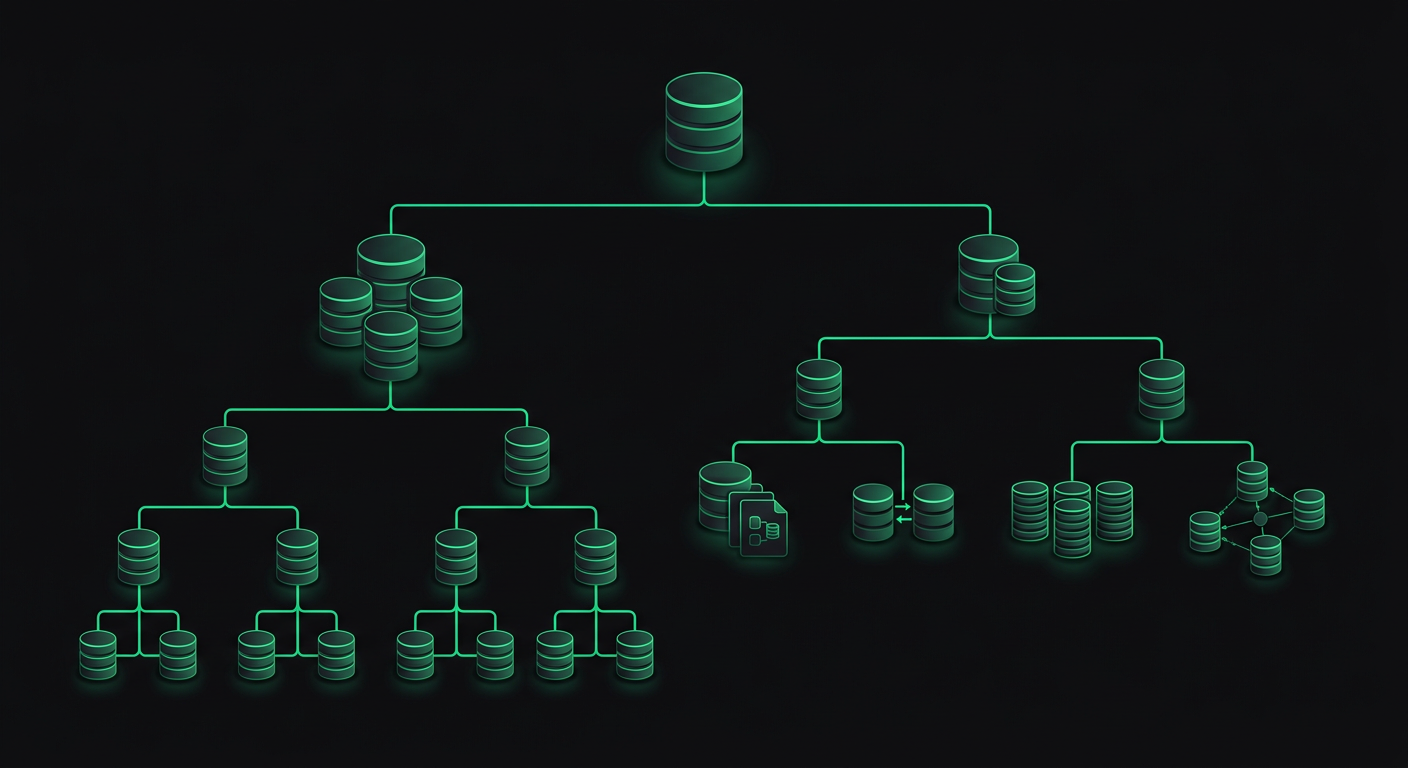
"It depends" is the honest answer to every database question, but it is also useless. When you are starting a project and need to pick a database, you need something more concrete than a list of trade-offs. You need a decision framework that accounts for your actual requirements — data shape, query patterns, team expertise, scaling expectations, and operational complexity.
I have used PostgreSQL, MongoDB, Firebase/Firestore, Redis, and SQLite across different production projects. Each choice was right for its context, and a few were wrong and had to be migrated. The patterns behind those decisions are more useful than any benchmark comparison.
The Decision Framework
Before looking at individual databases, answer these five questions about your project:
1. What shape is your data?
This is not about "relational vs document." It is about how your data entities relate to each other.
Highly relational: Users have orders, orders have items, items belong to categories, categories have hierarchies. If you draw your data model and it looks like a graph with many connections, you need strong relational capabilities.
Document-oriented: Each entity is relatively self-contained. A blog post contains its title, body, tags, and author info. You rarely need to join across entity types.
Key-value: You need to store and retrieve by key. Session data, configuration, feature flags.
Time-series: Events, metrics, logs. Write-heavy, append-only, queried by time range.
2. What are your query patterns?
Known queries: You know exactly what queries the application will run. E-commerce: "get user's orders," "find products by category," "calculate total revenue this month." Known queries favor relational databases where you can optimize with indexes and query plans.
Ad-hoc queries: Users can search, filter, and aggregate in unpredictable ways. Analytics dashboards, search features, reporting tools. These favor flexible query engines.
Simple lookups: Most reads are "get document by ID." Document databases and key-value stores excel here.
3. What is your consistency requirement?
Strong consistency: Banking, inventory, anything where reading stale data causes real problems. Relational databases with ACID transactions are the safe choice.
Eventual consistency: Social feeds, analytics, caching. You can tolerate reading slightly stale data in exchange for performance and availability.
4. What is your scaling trajectory?
Vertical scaling is fine: Most applications. If your database fits on a single machine with room to grow, any database works. PostgreSQL on a modern server handles millions of rows without breaking a sweat.
Horizontal scaling is required: You need to distribute data across multiple machines. This is rarer than most developers think, but when you need it, your database choice is constrained.
5. What does your team know?
This factor is underrated. A team of PostgreSQL experts will be more productive with PostgreSQL, even if MongoDB is theoretically a better fit for the data model. The cost of learning a new database — debugging unfamiliar errors, learning operational best practices, understanding performance characteristics — is real and significant.
PostgreSQL: The Default Choice
If you are unsure, choose PostgreSQL. This is not a controversial opinion among backend engineers — it is the consensus. PostgreSQL handles relational data, JSON documents, full-text search, geospatial queries, and time-series data. It is not the best at any one of these, but it is good enough at all of them to serve as a single database for most applications.
Strengths
ACID transactions. When you need to update multiple tables atomically — deducting inventory and creating an order, transferring money between accounts — PostgreSQL guarantees correctness.
Rich query capabilities. Window functions, CTEs (Common Table Expressions), recursive queries, lateral joins. SQL is not just SELECT * FROM — it is a powerful query language that can express complex analytics without moving data to an application layer.
-- Find each user's most recent order with running total
WITH ranked_orders AS (
  SELECT
    user_id,
    order_id,
    total,
    created_at,
    ROW_NUMBER() OVER (PARTITION BY user_id ORDER BY created_at DESC) as rn,
    SUM(total) OVER (PARTITION BY user_id ORDER BY created_at) as running_total
  FROM orders
)
SELECT * FROM ranked_orders WHERE rn = 1;
JSONB columns. When part of your data is genuinely schemaless — user preferences, dynamic form responses, third-party webhook payloads — you can store it as JSONB and query it with full indexing support.
-- Store and query semi-structured data
CREATE TABLE products (
  id SERIAL PRIMARY KEY,
  name TEXT NOT NULL,
  attributes JSONB DEFAULT '{}'
);

-- Index a specific JSON path
CREATE INDEX idx_products_color ON products USING GIN ((attributes->'color'));

-- Query JSON data
SELECT name FROM products
WHERE attributes->>'color' = 'blue'
AND (attributes->>'weight')::numeric < 10;
Extensions ecosystem. PostGIS for geospatial, pg_trgm for fuzzy text search, TimescaleDB for time-series, pgvector for AI embeddings. The extension model means PostgreSQL can adapt to specialized workloads without replacing your primary database.
When PostgreSQL Is Not the Right Choice
- Massive write throughput with horizontal scaling. PostgreSQL scales vertically well (bigger machine) but horizontal sharding is complex. If you need to write millions of events per second across dozens of machines, consider purpose-built solutions.
- Rapid prototyping where schema changes happen daily. During the earliest stages of a startup when the data model changes fundamentally every week, the overhead of migrations can slow you down compared to schemaless options.
- When your team has zero SQL experience and the project timeline does not allow for learning. This is rare, but it happens.
MongoDB: When Documents Make Sense
MongoDB gets more criticism than it deserves. The early marketing ("schemaless! web scale!") created unrealistic expectations, and many developers used it for use cases where PostgreSQL would have been better. But there are genuine scenarios where MongoDB is the right choice.
When MongoDB Wins
Content management systems. Each piece of content has a different structure — articles have different fields than videos, which have different fields than podcasts. In MongoDB, these are all documents in the same collection with different shapes. In PostgreSQL, you either create a wide table with many nullable columns, use JSON columns (at which point you are using MongoDB's paradigm in PostgreSQL), or create a table-per-type with complex joins.
Event sourcing and logging. High write throughput with documents that are mostly written and read, rarely updated, and never joined.
Embedded documents reduce joins. If an order always needs its items, and items are never accessed without their order, embedding items inside the order document means your most common query is a single document lookup instead of a join across two tables.
// MongoDB document with embedded sub-documents
{
  _id: ObjectId("..."),
  customer: {
    name: "John Doe",
    email: "john@example.com"
  },
  items: [
    { product: "Widget", quantity: 2, price: 9.99 },
    { product: "Gadget", quantity: 1, price: 24.99 }
  ],
  total: 44.97,
  status: "shipped",
  createdAt: ISODate("2026-03-01T10:00:00Z")
}
Horizontal scaling is a first-class feature. MongoDB's sharding is built-in and well-documented. If you genuinely need to distribute data across many nodes (hundreds of millions of documents with high throughput), MongoDB handles this more gracefully than PostgreSQL.
When MongoDB Is Wrong
- Highly relational data. If you are writing
$lookupaggregations (MongoDB's version of joins) in every query, you picked the wrong database. - When you need transactions across collections frequently. MongoDB supports multi-document transactions, but they add latency and complexity. If your core operations require cross-collection atomicity, PostgreSQL's transaction model is more natural.
- When you actually need a schema. "Schemaless" sounds freeing until you realize that every piece of code that reads from the database is implicitly a schema. Without a database-enforced schema, you move validation to the application layer, where it is easier to get wrong and harder to enforce consistently.
Firebase and Firestore: Rapid Development
Firebase Realtime Database and Firestore serve a specific niche: applications where development speed matters more than data modeling purity, and where the backend is primarily a data persistence and synchronization layer rather than a complex business logic engine.
When Firebase Shines
Mobile-first apps with real-time sync. Firebase's SDKs handle offline caching, real-time listeners, and conflict resolution out of the box. Building this from scratch with PostgreSQL requires a WebSocket layer, a caching strategy, and significant custom code.
Small teams without backend engineers. Firebase eliminates the need to manage a database server, build an API layer, implement authentication, and handle file storage. For a two-person team building an MVP, this reduction in operational overhead can be the difference between shipping and not shipping.
Prototyping and validation. When you need to test an idea with real users in two weeks, Firebase lets you focus entirely on the client application. If the idea validates, you can migrate to a more traditional backend later.
Firebase's Limitations
Query constraints in Firestore. You cannot query on fields that are not indexed. You cannot do inequality filters on multiple fields. You cannot do full-text search. These limitations force you to denormalize aggressively and sometimes duplicate data across collections.
// Firestore: You CAN'T do this
db.collection('products')
  .where('price', '>', 10)
  .where('rating', '>', 4)
  .orderBy('name')  // Error: needs composite index on price + rating + name

// Firestore: You CAN do this (with a composite index)
db.collection('products')
  .where('price', '>', 10)
  .where('rating', '>', 4)
  .orderBy('price')  // Must order by a field used in inequality
Vendor lock-in. Your data model, security rules, and query patterns are all Firebase-specific. Migrating away from Firebase is a rewrite, not a migration.
Cost unpredictability. Firebase bills per document read/write. A poorly optimized query or a real-time listener on a large collection can generate surprising bills. I have seen projects where a single misconfigured listener cost more than a dedicated PostgreSQL server would for a year.
Limited server-side logic. Cloud Functions can handle some server-side processing, but complex business logic — multi-step transactions, data aggregation, background processing — requires either creative workarounds or a separate backend anyway.
Decision: Firebase vs Traditional Backend
| Factor | Firebase | PostgreSQL + API |
|---|---|---|
| Time to MVP | Days | Weeks |
| Operational overhead | Near zero | Moderate |
| Query flexibility | Limited | Full SQL |
| Cost at scale | Unpredictable | Predictable |
| Vendor lock-in | High | Low |
| Offline support | Built-in | Must build |
| Complex business logic | Difficult | Natural |
| Team required | Frontend only | Frontend + Backend |
Redis: Caching, Queues, and More
Redis is not a primary database for most applications (though Redis with persistence modules can serve that role). It is a high-performance data structure store that excels at specific problems.
Caching
The most common Redis use case. Cache expensive database queries, API responses, or computed results.
import redis
import json

r = redis.Redis(host='localhost', port=6379, db=0)

def get_user_profile(user_id: str):
    # Check cache first
    cached = r.get(f"user:{user_id}")
    if cached:
        return json.loads(cached)

    # Cache miss — query database
    profile = db.query("SELECT * FROM users WHERE id = %s", user_id)

    # Cache for 5 minutes
    r.setex(f"user:{user_id}", 300, json.dumps(profile))
    return profile
Session Storage
Redis's key-value model with TTL (time-to-live) support is a natural fit for session data. It is faster than database-backed sessions and simpler than JWT-based solutions for stateful applications.
Rate Limiting
def is_rate_limited(user_id: str, limit: int = 100, window: int = 60) -> bool:
    key = f"rate:{user_id}"
    current = r.incr(key)
    if current == 1:
        r.expire(key, window)
    return current > limit
Job Queues
Redis lists and streams make excellent job queues. Libraries like Bull (Node.js), Celery (Python), and Sidekiq (Ruby) use Redis as their message broker.
When Not to Use Redis
- As your only database. Redis is in-memory by default. Even with persistence (RDB snapshots or AOF logs), it is not designed for data you cannot afford to lose.
- For complex queries. Redis data structures (strings, lists, sets, sorted sets, hashes) are powerful but not queryable like a database. You access data by key, not by arbitrary conditions.
- When you do not have a caching problem. Adding Redis to a stack that does not need caching adds operational complexity for no benefit. A PostgreSQL query that takes 5ms does not need to be cached.
Using Multiple Databases
Most production applications of moderate complexity use more than one database. The key is using each for what it does best, not trying to force one database to handle everything.
A common pattern for a web application:
- PostgreSQL for core business data (users, orders, products).
- Redis for caching, sessions, and rate limiting.
- S3 (or equivalent) for file storage (images, documents, backups).
For a real-time application:
- PostgreSQL for persistent data and complex queries.
- Redis for pub/sub and caching.
- Firebase/Supabase for real-time sync to mobile clients.
The Integration Pattern
When using multiple databases, establish clear ownership. Each piece of data has one authoritative source, and other systems are caches or views of that data.
PostgreSQL (source of truth)
    ├── Redis (read cache, expires after TTL)
    ├── Elasticsearch (search index, synced via change data capture)
    └── Firebase (mobile sync, updated via webhooks)
Never have two databases that both consider themselves the owner of the same data. That path leads to consistency nightmares that are nearly impossible to debug.
Migration Considerations
If you realize you picked the wrong database, migration is possible but expensive. Here are the practical considerations:
MongoDB to PostgreSQL is the most common migration I have seen. The usual reason is that the application grew beyond document queries and needed complex joins, transactions, or aggregations. The migration involves designing a relational schema, writing transformation scripts, and updating every database query in the application. Budget two to four weeks for a moderately complex application.
PostgreSQL to MongoDB is rarer but happens when an application's data model becomes predominantly document-oriented. The migration is mechanically simpler (flatten tables into documents) but requires rethinking every query and losing transaction guarantees.
Firebase to PostgreSQL is the hardest migration because it is not just a database change — it is an architecture change. You need to build an API layer, implement authentication, replace real-time listeners with WebSockets or polling, and handle offline sync. This is closer to a rewrite than a migration.
The best migration is the one you avoid. Spend an extra day thinking about your data model upfront. Talk to someone who has built a similar application. The cost of choosing the right database initially is always less than the cost of migrating later.
Cost Analysis
Database costs at scale can be surprising, especially with managed services.
| Service | Free Tier | Small Production | Medium Production |
|---|---|---|---|
| Supabase (PostgreSQL) | 500MB, 2 projects | ~$25/mo (8GB, 2 cores) | ~$100/mo (32GB, 4 cores) |
| Neon (PostgreSQL) | 0.5GB storage | ~$19/mo | ~$69/mo |
| MongoDB Atlas | 512MB shared | ~$57/mo (M10 dedicated) | ~$200/mo (M30) |
| Firebase Firestore | 1GB storage, 50k reads/day | ~$25-100/mo (varies wildly) | $100-1000/mo (query dependent) |
| Redis Cloud | 30MB | ~$7/mo (250MB) | ~$60/mo (1GB) |
| PlanetScale (MySQL) | 5GB, 1B row reads/mo | ~$39/mo | ~$99/mo |
Firebase's cost unpredictability deserves emphasis. I have seen projects where costs remained under $30/month for months, then spiked to $300 after a feature launch that increased document reads. With PostgreSQL or MongoDB, costs correlate with machine size, which is predictable.
My Actual Decision Process
When I start a new project, the decision usually goes like this:
- Default to PostgreSQL unless there is a specific reason not to.
- Add Redis if the application has caching needs, rate limiting, or job queues.
- Consider Firebase/Supabase if the application is mobile-first with real-time requirements and the team is small.
- Consider MongoDB if the data model is genuinely document-oriented with minimal relational requirements.
- Add specialized databases (Elasticsearch, TimescaleDB, etc.) only when a specific workload demands it.
This framework has served me well across a range of projects, from restaurant management platforms to mobile health applications. The key insight is that the database is infrastructure — it should serve your application's needs, not drive your architecture. Pick the boring choice that works, and spend your engineering effort on the parts of the application that differentiate you.
Danil Ulmashev
Full Stack Developer
Need a senior developer to build something like this for your business?